How to Measure Noise in a Room Using Your Phone
Last updated: July 25, 2026
Reviewed by acoustic research sources and WHO guidelines.
You do not need expensive equipment to measure noise in your room. Your smartphone or laptop has a built-in microphone that can give you a useful estimate of the sound levels in any environment.
In this guide, we explain how phone microphones measure sound, what decibels mean, the limitations of phone-based measurement, and a clear step-by-step process to measure noise in your room.
Table of Contents
- How Phone Microphones Measure Sound
- Decibel Basics: What the Numbers Mean
- Step-by-Step: Measuring Room Noise
- How Far Can You Trust the Number?
- Tips for More Accurate Readings
- FAQ
Want to measure your room noise right now? [Open SnapRoomScore](/) and start measuring instantly – no app download needed.
How Phone Microphones Measure Sound
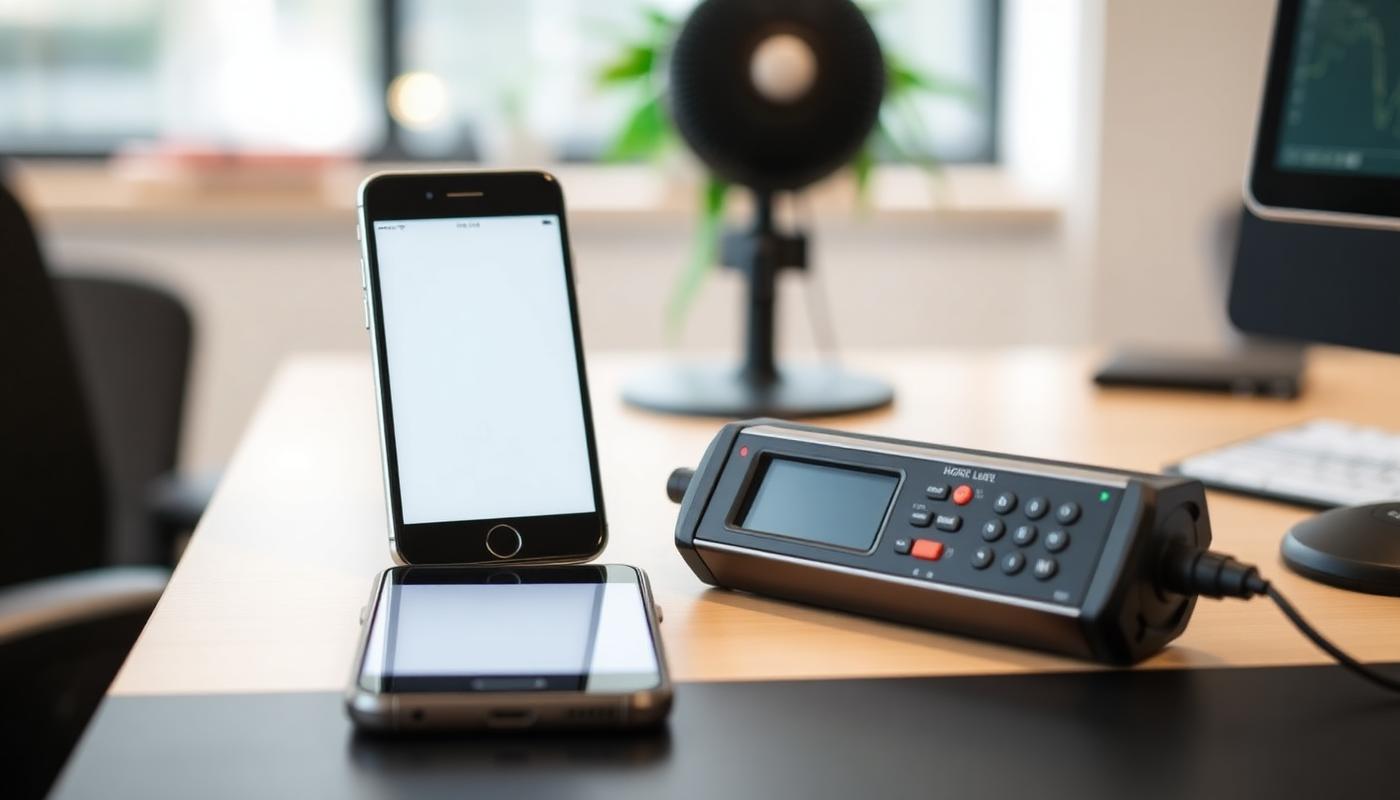
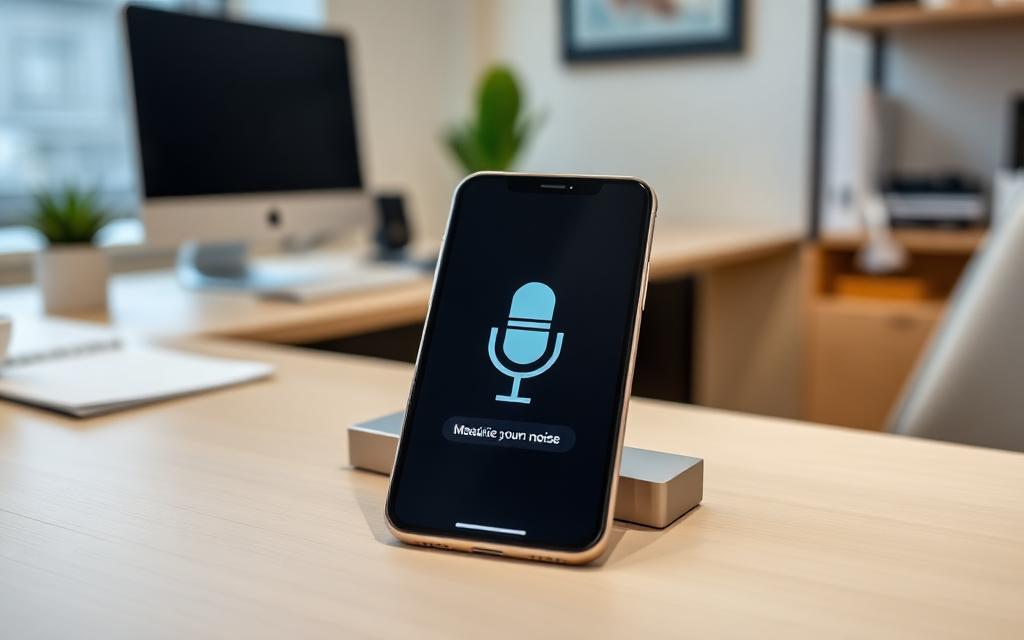
Modern smartphones and laptops come equipped with microphones originally designed for voice calls and video recording. These microphones convert sound waves into electrical signals that can be analyzed by software.
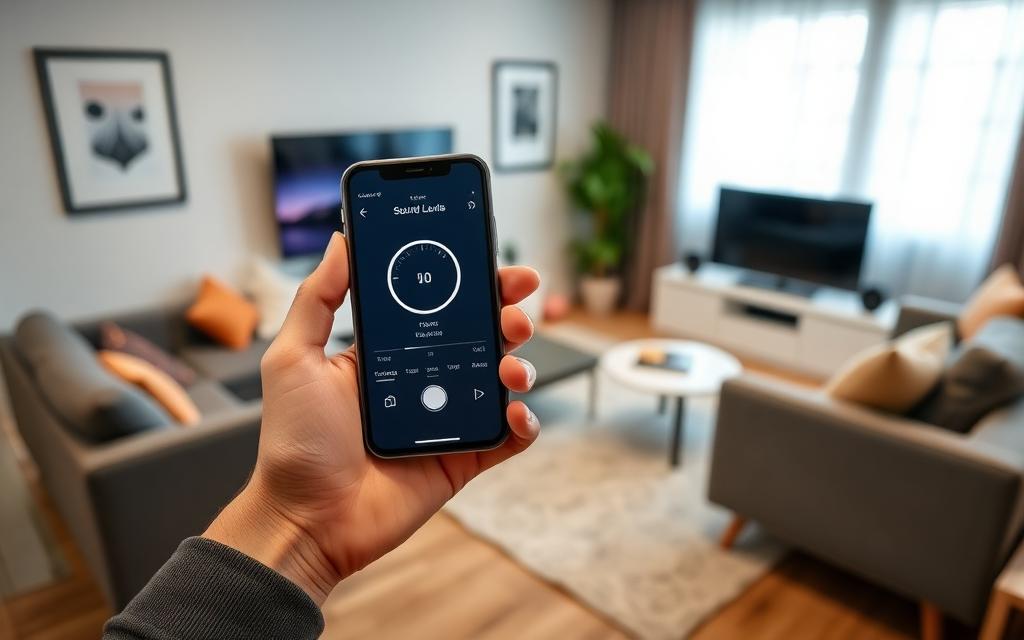
When you use a tool like SnapRoomScore, the browser accesses your device microphone through the Web Audio API. The software then analyzes the incoming audio signal and calculates the sound pressure level, displayed as decibels (dB).
How the Process Works
- Your device microphone captures sound waves from the environment
- The audio signal is processed in real-time by the browser
- The amplitude (loudness) of the signal is calculated
- The result is converted to a decibel value and displayed on screen
This happens continuously, allowing you to see live noise levels as they change.
Phone Microphone Quality
Most modern phones have surprisingly good microphones. Flagship devices often include multiple microphones with noise cancellation capabilities. For the purpose of measuring room noise, even budget phones provide useful readings.
Decibel Basics: What the Numbers Mean
The decibel (dB) is the standard unit for measuring sound intensity. It uses a logarithmic scale, which means that small changes in dB represent significant changes in perceived loudness.
A 10 dB increase means the sound is roughly twice as loud to the human ear. Here is a practical reference:
| Decibel Level | Example Sound | Perception |
|---|---|---|
| 0 dB | Threshold of hearing | Silence |
| 20 dB | Rustling leaves | Very quiet |
| 30 dB | Quiet whisper | Quiet |
| 40 dB | Quiet library | Moderate |
| 50 dB | Moderate rain | Noticeable |
| 60 dB | Normal conversation | Clearly audible |
| 70 dB | Vacuum cleaner | Loud |
| 80 dB | Heavy traffic | Very loud |
| 85+ dB | Power tools | Hearing damage risk |
Why Decibels Matter for Your Health
Prolonged exposure to noise above 70 dB can cause hearing damage over time. For concentration and sleep, noise above 40–50 dB begins to cause problems. Understanding where your room falls on this scale helps you make informed decisions about your environment.
Step-by-Step: Measuring Room Noise
Follow this simple process to measure the noise level in any room:
Before You Start
- Close unnecessary apps that might make sounds or use the microphone
- Remove phone cases that might muffle the microphone (optional but improves accuracy)
- Choose a representative time – measure when you would normally be in the room
Measurement Process
- Open [SnapRoomScore](/) in your phone or laptop browser
- Grant microphone permission when your browser asks
- Place your device on a flat surface at ear height if possible (a desk or nightstand works well)
- Click "Start Measuring" and remain still
- Wait at least 60 seconds for a reliable average reading
- Note three values:
- Average dB (the typical noise level)
- Peak dB (the loudest moment)
- Minimum dB (the quietest moment)
- Stop measuring and review your results

Measuring is easy. [Try SnapRoomScore now](/) to find out how loud your room really is. Want the bigger picture on what your numbers mean? Our complete guide to room noise, echo and acoustic quality walks through dB targets, RT60 and practical fixes room by room.
Interpreting Your Results
- Below 30 dB: Your room is very quiet – excellent for sleep and deep focus
- 30–40 dB: Quiet room – good for most activities
- 40–50 dB: Moderate noise – acceptable for general work but may affect concentration
- 50–60 dB: Noisy – likely to affect focus and sleep quality
- Above 60 dB: Loud – consider noise reduction measures
How Far Can You Trust the Number?
A phone typically lands within ±3–5 dB of a professional Class 2 meter in the 45–85 dB range — accurate enough for comparing rooms, spotting patterns over time, and checking whether a change actually helped. It is not accurate enough for legally valid measurements, industrial compliance testing, or acoustic design work, where a calibrated meter is required.
Two practical limits are worth knowing before you read your result: below roughly 30 dB you are measuring the microphone's own noise floor rather than the room, and above 95 dB the signal can clip and under-report.
For the full breakdown of error sources, device differences, and a 5-minute method for sanity-checking your own phone, see how accurate phone noise meters really are.
Tips for More Accurate Readings
Follow these tips to get the most reliable results from your phone:
- Keep your phone stationary during measurement – movement creates noise
- Point the microphone toward the room rather than into a surface
- Measure at different times to capture the full range of noise in your space
- Take multiple readings and compare them for consistency
- Avoid touching the phone while measuring, as this creates handling noise
- Close doors and windows or leave them open as you normally would – measure your real environment
Recommended Measurement Schedule
For the most useful data, try measuring:
- Morning (6–8 AM) – captures traffic and neighborhood activity
- Midday (12–2 PM) – typical daytime noise
- Evening (6–8 PM) – household activity peak
- Night (10 PM–12 AM) – your sleep environment
Use the SnapRoomScore trends feature to track your noise levels over time and spot patterns.
Start measuring today. [Open SnapRoomScore](/) and discover your room's noise level in seconds. Free, private, and no installation needed.
FAQ
How accurate is a phone for measuring noise?
Phone microphones can provide reasonably accurate measurements for everyday use, typically within 2–5 dB of professional equipment. They are best for relative comparisons and general awareness.
What is a normal decibel level in a room?
A typical quiet room measures between 30–40 dB. Living rooms with normal activity are usually 40–50 dB. Anything above 50 dB is considered moderately noisy for a home.
Do I need to calibrate my phone for noise measurement?
For general awareness, no calibration is needed. Browser-based tools like SnapRoomScore work directly with your device microphone and provide useful readings without special setup.